
1 video pass
$9.90 per pass
One 480P video. A 720P video requires 2 passes.
Start with your photo- One-time purchase
- Passes do not expire
- 480p uses 1 pass and 720p uses 2
- One pet photo
- Download keeps the reference sound
Turn a photo of your dog or cat into the Bad Times kitchen video. Create a 15-second vertical clip with dramatic reactions, paw gestures, and the original sound.
Meet the kitchen cast
Watch the original performance, then see how a cat, a corgi, and a white dog bring their own look to the kitchen. Turn on sound to hear the track included with the video.
Community examples illustrate the trend; they were not generated on this site.
Your pet. The familiar scene.
Choose a sharp photo of your dog or cat, with its face and body easy to see. Include any collar or harness you want the generator to follow.
One clear subject works best. The pet can be sitting or standing.
Sign in, select your resolution, and check the displayed pass cost. Buy a one-time pack if needed, return to your photo, and select Generate when you are ready.
Open My creations to watch your finished 15-second clip with sound. Check the face and paws, download the file, and add your own caption before sharing.
The face, coat, proportions, and visible accessories come from your uploaded photo. A chest patch, familiar ears, or a favorite harness can help your pet feel recognizable in a new scene. Choose one clear animal as the subject.
Give the generator a useful view of the whole pet instead of a tightly cropped face. Sharp details and good lighting help; heavy filters and hidden body parts leave more for the AI to interpret.
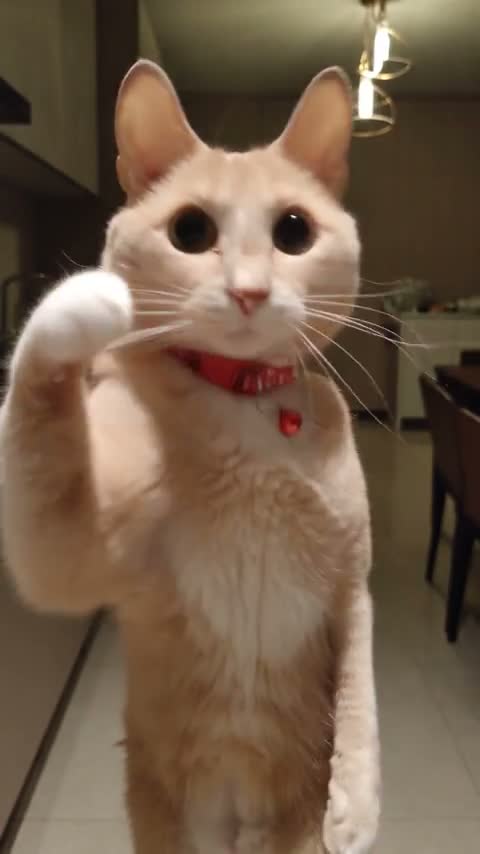
Bad Times AI follows the kitchen performance shown above: expressive mouth movements, facial reactions, and dramatic paw gestures. Your animal does not need to perform any of them in real life. A still photo is enough to start.
The reference also guides framing and camera movement. The finished animation can vary in likeness and timing, so watch the full result to choose the moments you want to share.
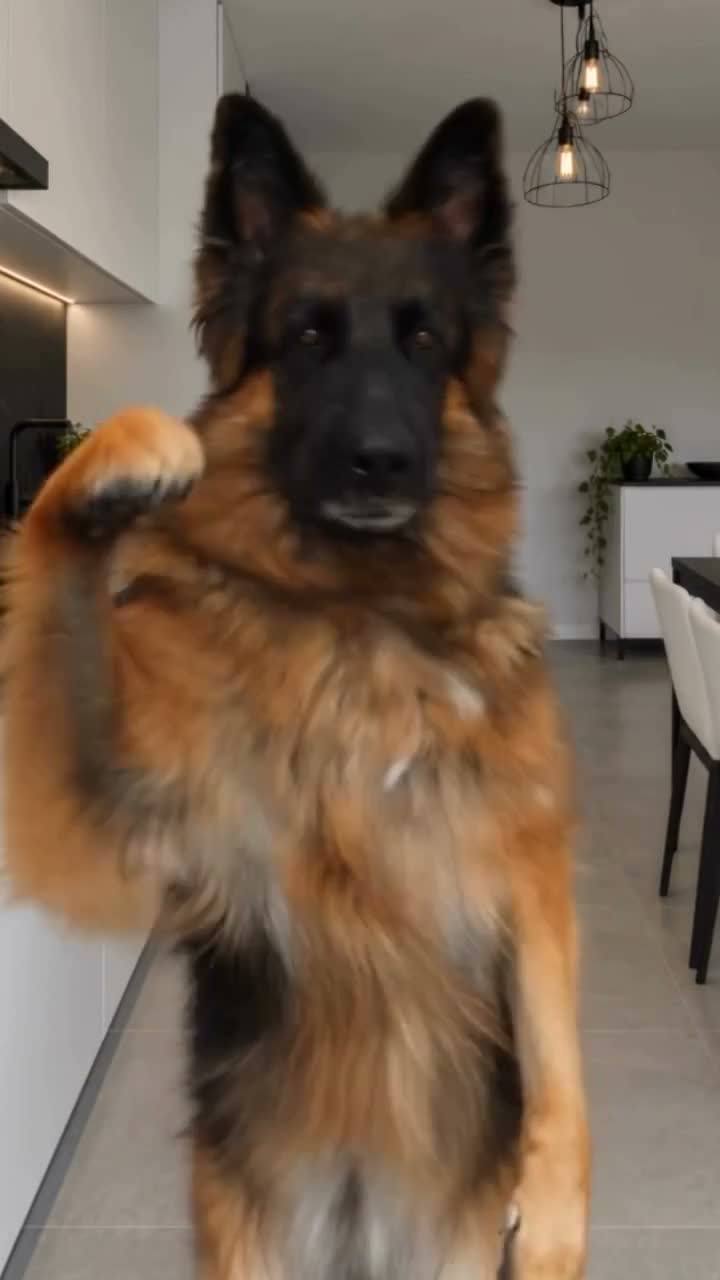
The kitchen is part of what makes this performance recognizable. Your pet joins the supplied scene while its camera movement and reaction timing guide the video. You can start with a photo taken at home, outdoors, or anywhere your animal is clearly visible.
Choose a photo for the pet’s appearance rather than its surroundings. The room in your upload will not replace the kitchen, and the video may reinterpret small background details as the camera moves.
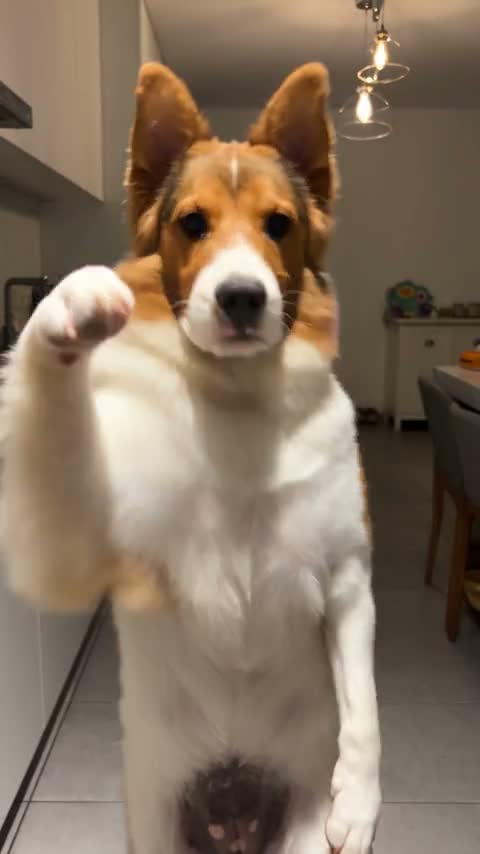
The soundtrack is included with the finished Bad Times AI video. You can hear it in the reference player before starting, with no separate music upload or audio editing needed.
If an audio recovery option appears on a completed task, it restores the track without creating another video or spending another pass. The result stays available in My creations for playback and download.
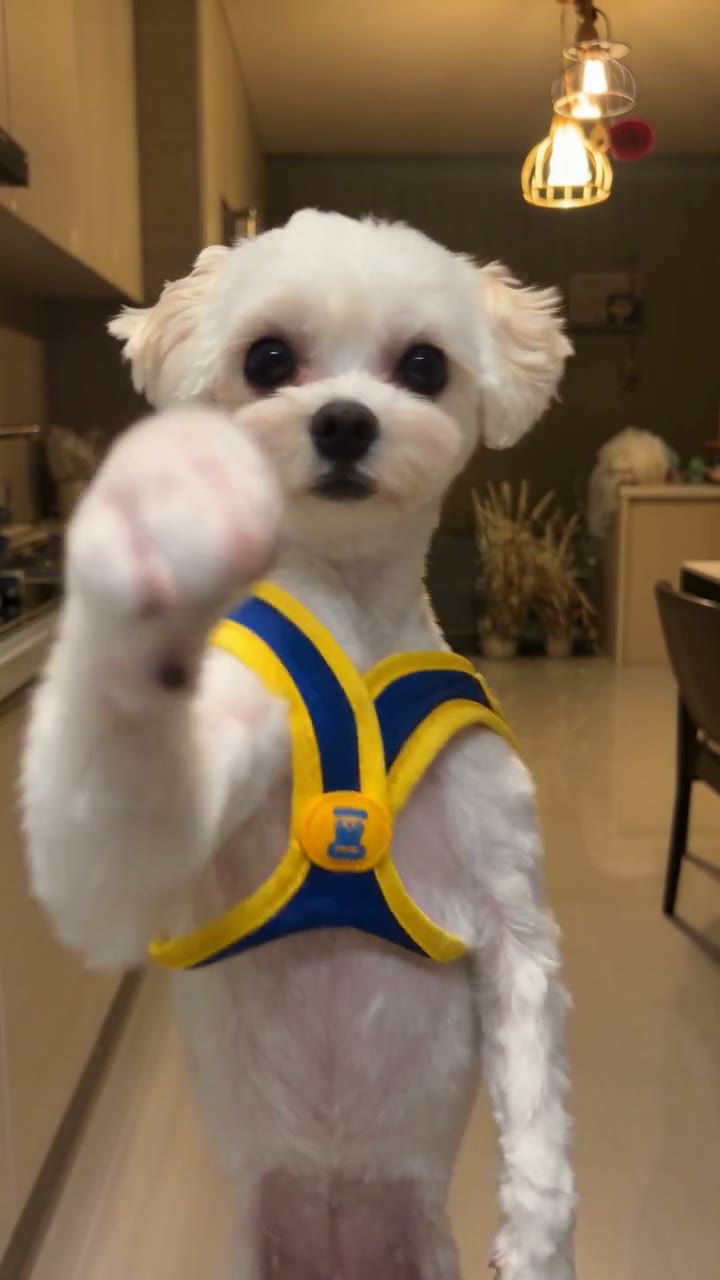
Turn a favorite dog photo into an expressive kitchen reaction. The head turns, mouth movements, and paw gestures give an everyday pet portrait a completely different personality.
Give your cat the same dramatic starring role. A clear face and recognizable coat help connect the animated performer to the pet you know, even as the scene gets theatrical.
Make a clip for a friend using a photo they have allowed you to upload. Download the result, add a personal caption in your editor, and share the finished surprise.
Select 480P for 1 pass or 720P for 2 passes. The generator shows the cost before you start, so you can decide how to use your pack.
My creations keeps your task progress and completed results together. Return to the same account to check a video or download it when it is ready.
Paid downloads have no site watermark. Keep the file on your device, then add your own caption or combine several pet clips in your preferred editor.
The reference sound accompanies the finished video. Listen to the example first, then play your own result with sound on to enjoy the full performance.
Choose a pack for your next pet videos. Each 480P generation uses 1 pass; each 720P generation uses 2 passes. Both produce a 15-second vertical video.
$9.90 per pass
One 480P video. A 720P video requires 2 passes.
Start with your photoAbout $6.63 per pass
Three 480P videos, or one 720P video with 1 pass left.
Start with your photo$5.98 per pass
Five 480P videos, or two 720P videos with 1 pass left.
Start with your photoPay once. No subscription. Purchased passes do not expire.
The Bad Times AI pet video puts a dog or cat into an expressive kitchen scene, with dramatic facial reactions, paw gestures, and the familiar soundtrack. This page recreates the 15-second pet version shown in the examples. Your photo supplies the animal’s appearance while the reference supplies the performance. Watch the original clip first to check that it is the trend you want to recreate. The result is an AI animation of your pet, so you do not need to film your animal performing the actions.
Upload a clear photo of your dog in the generator at the top of this page. Sign in, choose 480P or 720P, and select Generate. If you need passes, choose a one-time pack and return to your photo after checkout. Buying passes does not start a generation automatically. Your task will appear in My creations, where you can check progress and download the completed video. The performance, kitchen setting, and soundtrack are already provided, so there is no timeline to edit or choreography to record.
Yes. You can upload a photo of one cat or one dog. The cat example shows how the same kitchen performance can work with a different animal. Choose a photo that shows the face and as much of the body as possible. Ears, fur patterns, and visible accessories help establish the pet’s appearance. For a household with several pets, create a separate video for each animal. A group photo makes it harder to identify which pet should become the performer.
Use a sharp, well-lit photo with one animal clearly separated from the background. Keep the eyes, muzzle, ears, chest, and paws visible where possible. A front-facing or gently angled pose gives the generator more information than a side profile or a very close face crop. Avoid heavy filters, motion blur, objects covering the face, and screenshots with large captions. Your pet can be sitting or standing. It does not need to have its mouth open, raise a paw, or pose in a kitchen.
Everything needed for this Bad Times AI performance is already set up. You only need your pet photo. The reference video provides the action and camera movement, and the prompt is prepared for the pet version. You can listen to the reference before generating to hear the included soundtrack. This saves you from finding a source clip, trimming it to the right length, writing editing instructions, or manually lining up the sound with your finished video.
Your uploaded photo guides the pet’s face, coat, body proportions, and visible accessories. If a collar, harness, or outfit matters to you, make sure it is clearly visible in the photo. The movement is adapted to the animal in the kitchen scene. AI results can vary: fine fur markings may shift, a paw may look different during a gesture, and mouth movements may not align perfectly. Check the full video before sharing, especially when the camera changes angle or the pet moves quickly.
This generator follows the supplied Bad Times kitchen performance, including its setting and reference sound. The room behind your pet in the uploaded photo does not become the video background. Choose this page when you want the familiar scene with your own animal in the starring role. After downloading, you can add captions, trim the clip, or combine it with other footage in your usual video editor. Those edits happen outside this generator.
Both options create a 15-second vertical video. Choose 480P for a smaller file or a first version; it uses 1 pass. Choose 720P when you prefer a higher-resolution download; it uses 2 passes. Resolution changes the output size and pass cost, while the performance and duration stay the same. If you are unsure about the photo, improve the photo first. A higher resolution cannot guarantee a more accurate face, perfect paws, or a different performance.
Bad Times AI uses one-time video passes: $9.90 for 1 pass, $19.90 for 3 passes, or $29.90 for 5 passes. There is no subscription or automatic renewal, and purchased passes do not expire. A 480P generation costs 1 pass; a 720P generation costs 2. For example, a 3-pass pack can make three 480P videos, or one 720P video and one 480P video. Passes belong to your account on this website and cannot be used on a different service.
The completed video includes the reference soundtrack used in the example. Browser previews may start muted, so turn on the player’s sound to listen. If the picture is complete but the interface offers an audio recovery option, use it to restore the track on that same task. Audio recovery does not spend another pass. You can then download the updated file from My creations. Keep a copy of your finished video on your device before making additional edits.
You can download the vertical video and upload it to your usual social app. Paid downloads have no site watermark. Add your own caption or an AI-content label where the platform requires it, and preview how the app crops the video before posting. Sound availability and platform rules can vary; this purchase does not grant separate rights to reuse the soundtrack outside the delivered video. Start with a pet photo you own or have permission to use, including when making a clip for a friend.
A confirmed failed task returns the passes it used. If you close the tab or briefly lose connection, check My creations before starting again: the existing task may still be processing. Making another version of a completed video uses the passes for your selected resolution. A payment refund is handled separately from returning a failed task’s passes. Use the refund request entry in your account or contact support with your order details; the Refund Policy explains the conditions for purchase refunds.
Choose your favorite pet photo and make the 15-second kitchen video with the familiar performance and sound.
Make my pet video